ScreenShuffle
Blur sensitive data with one click screenshots
ScreenShuffle automatically randomizes visible data on your screen and captures it as a screenshot, protecting privacy effortlessly and efficiently.
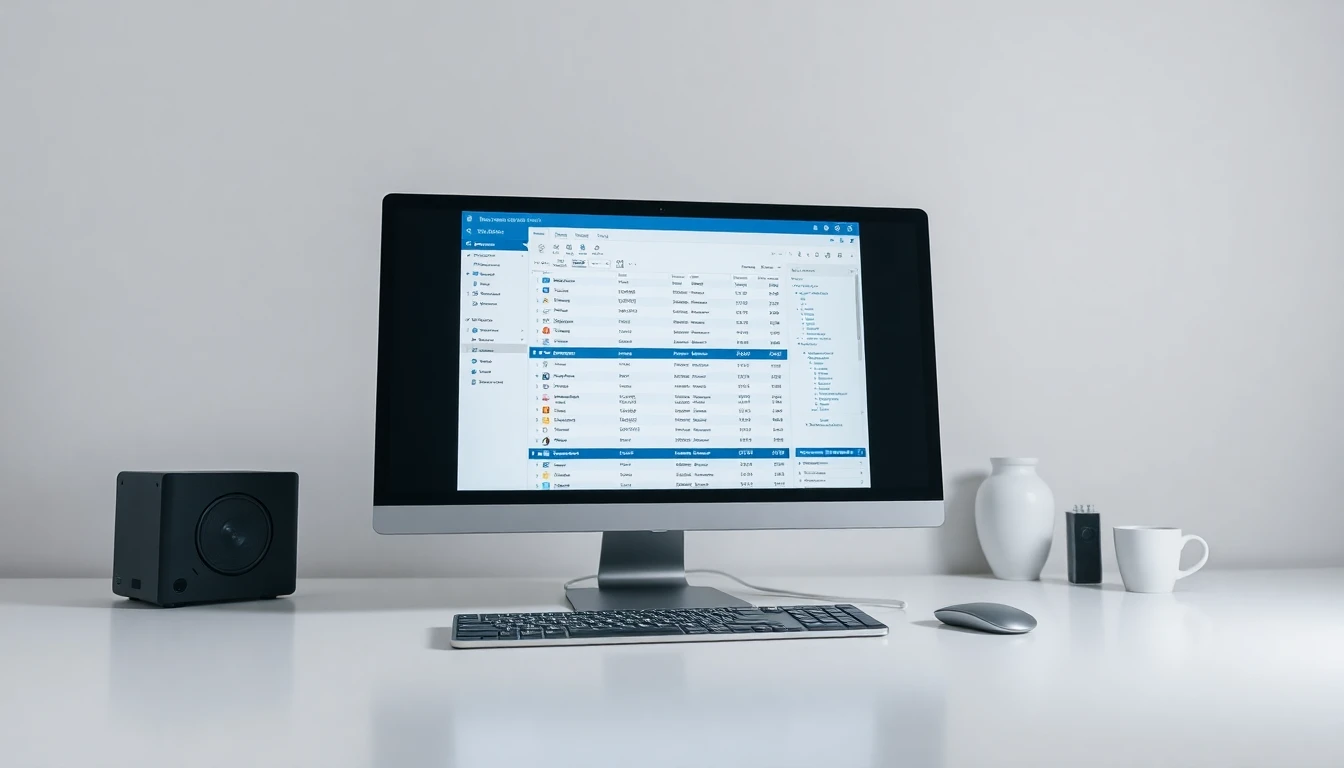
The Problem
You want to showcase your product screens without revealing sensitive customer data or facts. Manually randomizing data and taking screenshots is time-consuming and prone to errors.
Accidentally revealing sensitive data
Time-consuming data anonymization
Inconsistent demo presentations
The Solution
ScreenShuffle automatically randomizes visible data on your screen and captures it as a screenshot, protecting privacy effortlessly and efficiently.
Unique one-click anonymization and screenshot capture tool directly integrated into Chrome.
Key Features
Everything you need to blur sensitive data with one click screenshots
Data Randomization
Automatically replaces real data with randomized placeholders to ensure privacy.
Quick Screenshots
Capture the screen instantly with a single click for easy sharing.
Chrome Integration
Seamlessly operates as a Chrome extension for easy access.
Intuitive Interface
User-friendly design for efficient operation and minimal learning curve.
Customizable Settings
Adjust randomization rules to suit specific needs and preferences.
Why ScreenShuffle?
Effortlessly protect customer privacy
Streamline demo and presentation processes
Ensure consistency in public displays
Minimize manual editing tasks
Simple, Transparent Pricing
Free tier + $5/mo pro
freemium model
Ready to Get Started?
Join the waitlist and be the first to know when ScreenShuffle launches.